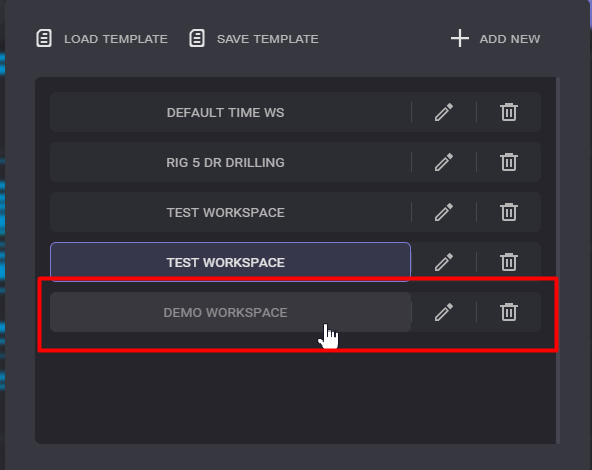

This user guide contains information how to save a workspace template and how to import it to apply to the charts.
-
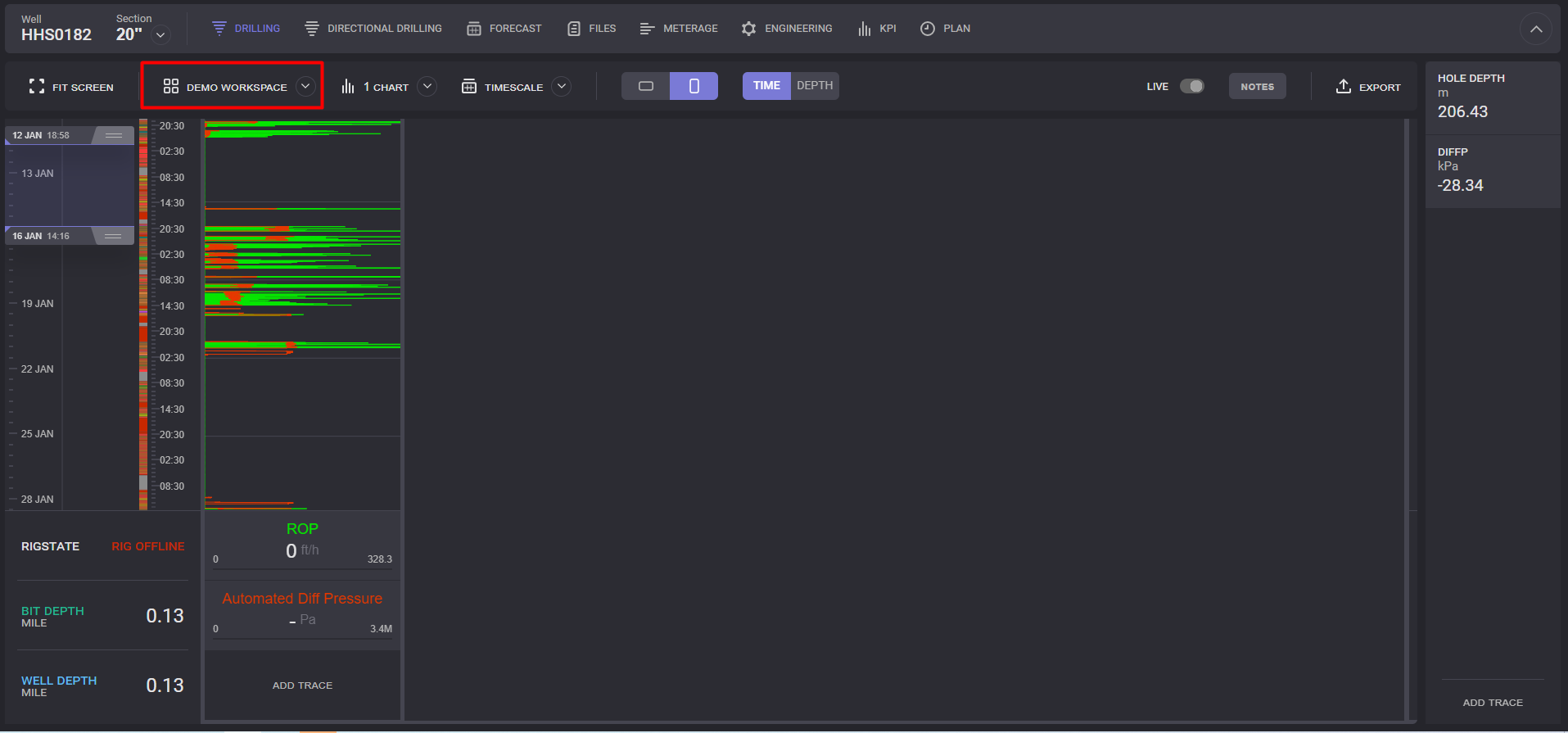
Open the Drilling page of the selected Well
-
Click on the Workspace name.
-
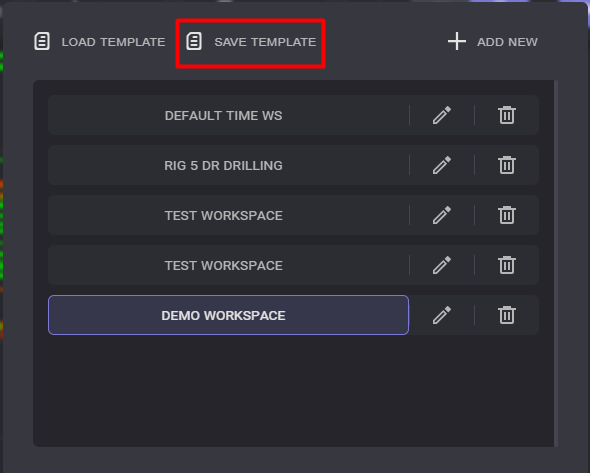
In the expanded dialogue click on the Save template
-
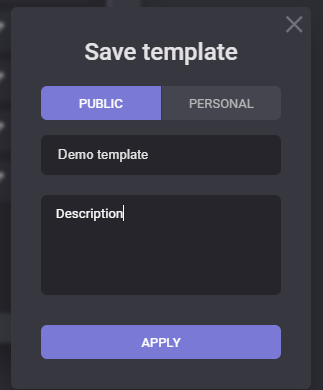
In the Save template dialogue select the type of the template (Public or Personal), enter template name and description.
-
Click on the Apply button.
The workspace template will be saved.
To Import save workspace template proceed following steps:
-
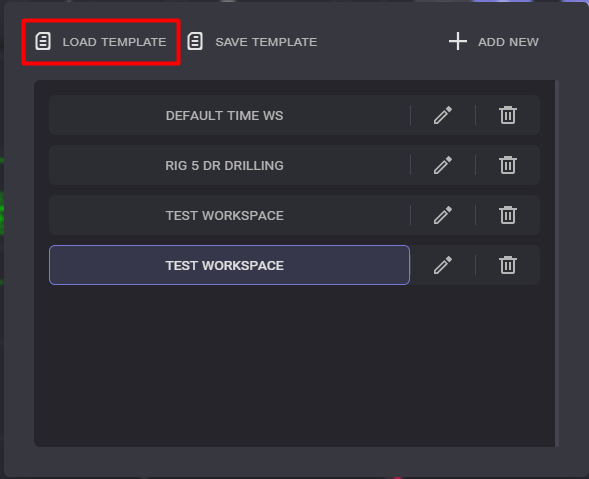
Click on the Load template in the Workspace dialogue.
-
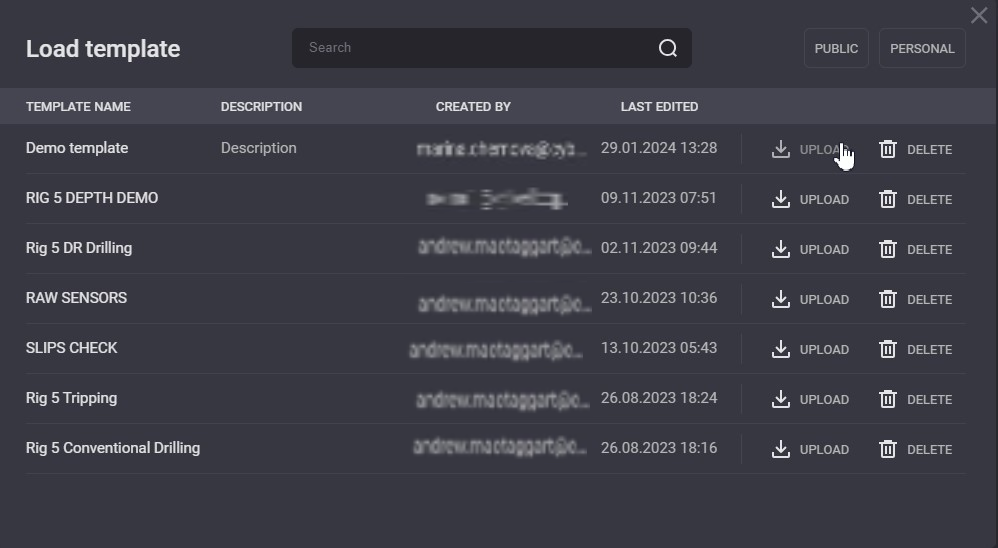
In the Load Template modal window click on Upload next to template to be added.
-
Selected template will be added to the workspace templates list.